Showing posts with label cubieboard. Show all posts

Monday, July 22, 2013

Running ubuntu server on a CubieBoard - Part 3

I installed the ubuntu server on the cubieboard using berryboot.

Please note in order to install the berryboot you need to use a windows operating system. Please follow the steps below to perform the install.

1. Get a microSD card to be used with the cubieboard and format it using the fat32 system.

2. Download bryyboot from http://www.berryterminal.com/doku.php/berryboot_a10

3. Download image writer from http://sourceforge.net/projects/win32diskimager/files/latest/download

4. Extract bith berryboot image file and image writer software

5. Run the image writer software. (see screenshot below)

6. Select the berryboot image and write it to the microSD card.

7. Plug in to microSD card into the cubieboard together with keyboard, mouse and monitor etc. and start the cubiewboard.

8. follow the on screen instructions to install ubuntu linaro.


Wednesday, April 10, 2013

Running ubuntu server on a CubieBoard - Part 2

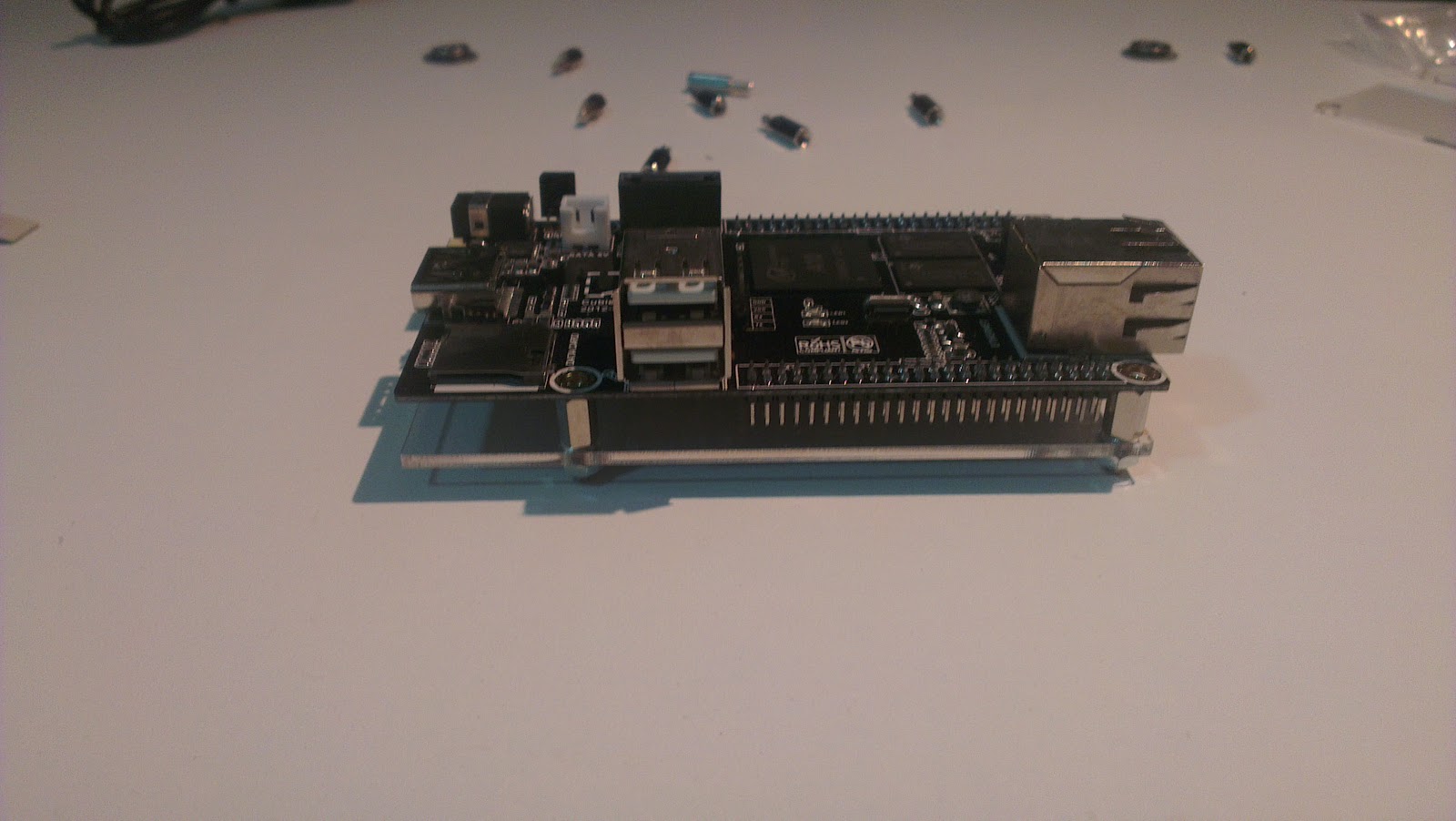
Ok. i have received the Cubieboard package in one piece and i have assembled and tested it. it work perfectly fine with the pre-installed android on it.

Please see the Un-boxing video here. finally i managed to complete the video.


These are the shots that i took during various stages of assembling and running it.

Enjoy.


Monday, April 8, 2013

Running ubuntu server on a CubieBoard - Part 1

I am planning to run ubuntu server on a cubieboard based system to be able to build the following.

1. A personal home made NAS.
2. A personal Cloud solution.
3. A personal web server.
4. A personal bug tracking server for my hobby developments.

I will keep posted on all the developments and issues that i encounter here. for the moment i thought the following will be of interest.

P.S. Please see part 2 of this post here for further updates to this story.

The cubieboard has the following specifications.

CPU                1G ARM cortex-A8 processor, NEON, VFPv3, 256KB L2 cache
GPU                Mali400, OpenGL ES GPU
Memory             1GB DDR3 @480MHz
Video             HDMI 1080p Output
Network            10/100M Ethernet, optional WiFi
Internal storage   4GB NAND Flash
IO                 2 x USB Host, 1 x MicroSD slot, 1 x SATA, 1 x IR sensor
Extended int-faces 96 extend pin interface, including I2C, SPI, RGB/LVDS, CSI/TS, FM-IN, ADC, CVBS, VGA, SPDIF-OUT, R-TP, and more
Software           Android, Linux
Power              Requires regulated 5VDC 2A power supply 
                   4.0mm(ext. diameter) x 1.7mm (int. diameter) barrel plug


Why i chose cubieboard
1. ability to connect a SATA hdd.
2. 1 Ghz CPU.
3. 1 GB RAM.

What i found out.
1. For connecting SATA hdd it seems like a 2.5inch (laptop) hdd can connect directly off the power connector from the board. however if we need to connect 3.5inch (desktop) hdd then we need to supply power seperately.

2. Power consumption of the board. based on 5v 2amp requirement the power requirement would be 10 watts. if we calculate the yearly consumption it comes to 87.6581 Kilo Watt Hours.

I ordered my board from here - https://www.miniand.com

I am awaiting the arrival of the board so that i can start working on my ideas. I will keep posting updates on other parts of this blog. Till then goodbye.